Content Agent: Turn Campaign Briefs Into Send-Ready Emails
Sortment's Content Agent learns your brand, generates personalized emails in minutes, and runs QA automatically. See how lifecycle teams are using it.
Abhimanyu
·
New York
·
No headings found on page
Most lifecycle teams have the same problem. The ideas are there. The campaigns are planned.
What’s missing is the time to build them.
Writing one good email takes hours. If you’re running gender-variable content, multilingual sends, or campaigns cut by segment, multiply that by every variant you need.
The execution cost is why the backlog never shrinks — not lack of strategy.
Sortment’s AI Content Agent is built around one premise: the team that can generate more content, faster, runs more experiments, builds more lifecycle flows, and learns more about what works.
The Content Problem Faced By Lifecycle Marketers
Campaign calendars are almost always smaller than they should be.
One marketing lead at a gym chain we work with said it plainly: “We’re missing a lot of workflows. We just can’t get to them if we’re working on this kind of stuff.”
Their team was running 16 emails a month, all built manually. A former-member win-back series: didn’t exist. A guest-pass nurture flow: didn’t exist. A revamped new-member onboarding sequence: on the list for over a year.
The content bottleneck wasn’t slowing down one campaign. It was blocking an entire lifecycle program.
And the cost compounds. Every month you can’t ship the win-back series is another month of lapsed members with no touchpoint. Every month you skip the onboarding refresh is another month of new members not understanding what they signed up for.
Video: See the Content Agent in action
What Sortment’s AI Content Agent Does
The Content Agent takes a campaign brief and turns it into a finished, brand-compliant, personalized email, ready for a human to review and send.
It learns your brand from your past work. It generates variants across the dimensions that matter. And it does it fast enough that “let’s test three versions” stops being ambitious and starts being the default.
It Learns Your Brand From Your Past Work
Give the Content Agent 15 to 20 of your existing email templates. From those, it extracts your color palette, typography, imagery style, CTA patterns, and tone, without you writing a brand guidelines doc.
Every template it generates from that point matches your brand automatically. You review the output, not the setup.
Over time, as you give it corrections, the system gets more precise. It remembers specifics: which CTA style belongs to acquisition sends, which imagery approach fits retention, what terminology is customer-facing versus internal.
You can also start from a reference instead of scratch. Import from HTML, paste a Figma link, or upload an image. If your design team already built a base template, the Content Agent picks it up and works from there.
It Generates Personalized Variants Without the Manual Work
Personalization in email almost always means liquid logic. And liquid logic means someone has to write it, test it, and maintain it as your data model changes.
The Content Agent handles this in the generation step.
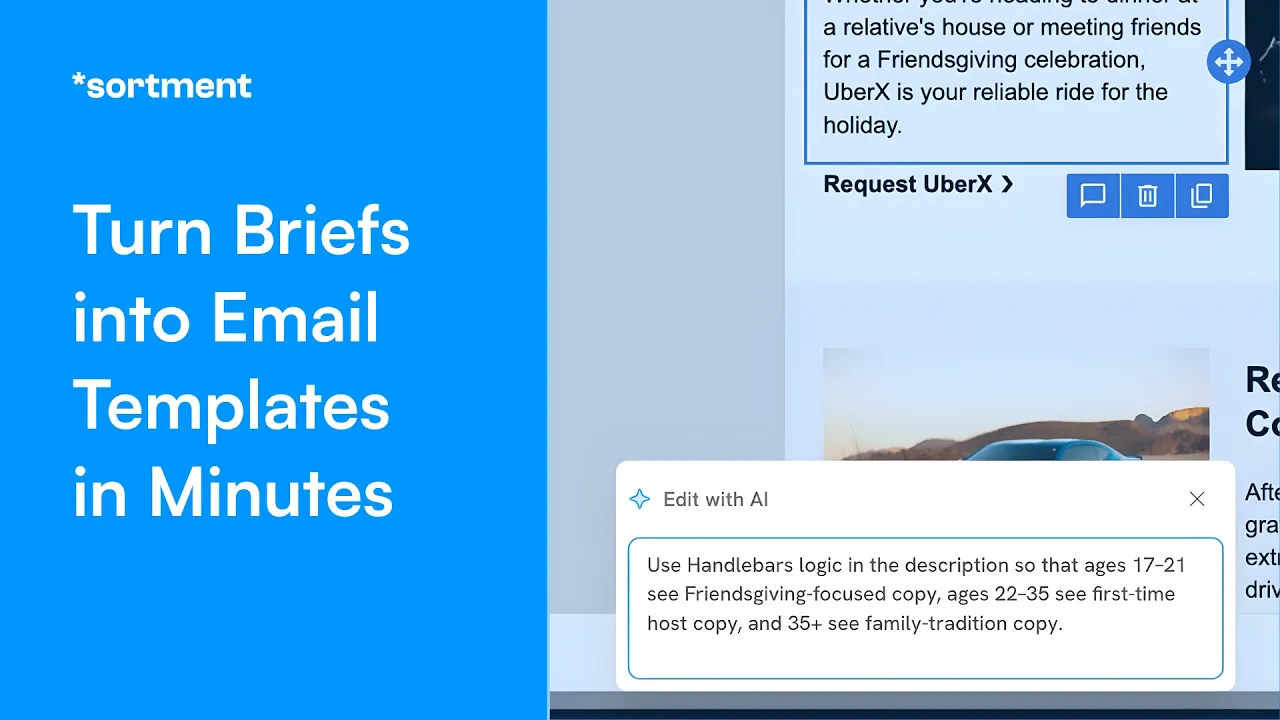
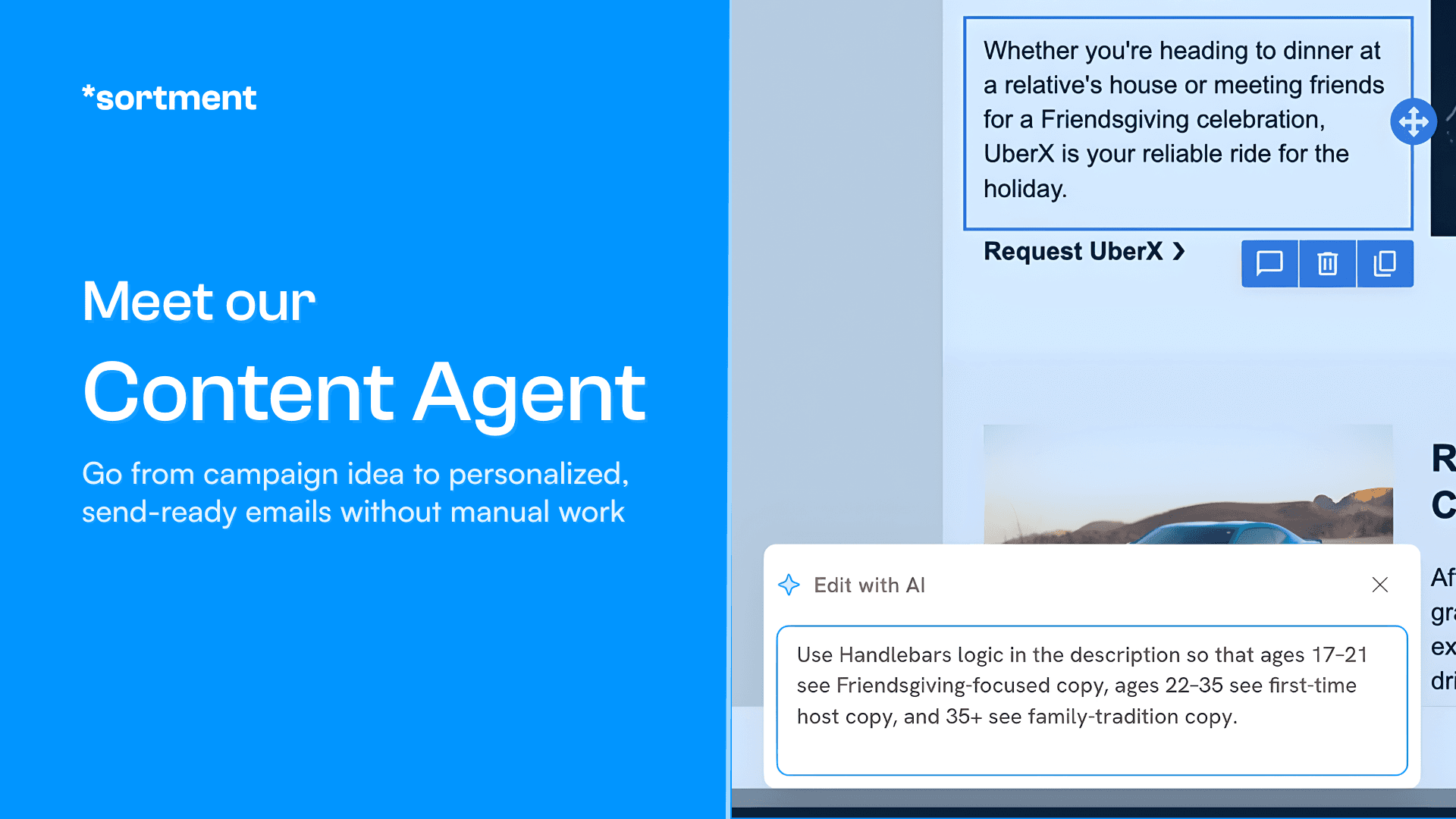
You describe what you need in plain language: male and female imagery variations, a discount code variable, English alongside Spanish and French. The Agent generates an outline first — showing you the variable structure before rendering anything final.
You adjust at the outline stage. Then it produces all the variants in one pass, with a preview switcher so you can check each one before it leaves the tool.
During a demo for a multi-location fitness brand, the team saw gender-variable imagery, location-specific content, and multilingual versions produced simultaneously. The AI-generated images gave them pause: “I can’t really tell if it’s AI or anything.”
That reaction matters. An email that reads as polished performs like a polished email.
It Gets Better the More You Use It
The Content Agent has memory. Every correction you make, every preference you reinforce during a generation session gets retained.
If you tell it that “Latino” in your copy refers to your Latin American markets, it remembers. If you correct an image style or a CTA format, it applies that going forward.
This compounds over time. Teams using it for a few months report that first drafts require less editing than early on. The gap between what the Agent generates and what actually gets sent narrows.
How Customers Are Using It
The most immediate shift is in variant volume. Teams that previously sent one version of an email to a segment now ship three or four, different imagery, different offer framing, different CTA copy — and run actual tests.
The content creation time drops enough that running variants stops feeling like extra work.
The second shift is in lifecycle flow completion. One team we spoke with had three flows sitting unbuilt because every sprint got consumed by the next batch campaign.
Within weeks of using the Content Agent, they had drafts of the former-member series and guest-pass nurture that had been on hold for over a year. Not just planned — drafted, with variants, ready for review.
The third is multilingual execution at scale. The usual workaround — liquid blocks per language inside a single email — creates templates no one wants to maintain.
The Content Agent generates localized versions as part of the same creation step, treating language as a variable rather than a separate workstream.
What This Changes for Your Team
The practical change is simple: campaigns that were too expensive to build become buildable.
If content creation takes three hours per email and your team does 16 sends a month, that’s 48 hours of production time — more than a full work week, every month, before you’ve done any analysis or strategy.
Cut that to 45 minutes per email and you recover 36 hours. That’s the time to build the win-back series, run the A/B test, and actually look at what’s working.
The less obvious change is in experimentation culture. When generating a variant costs 10 minutes instead of two hours, teams start defaulting to testing rather than defaulting to the safest version.
More tests mean more signal. More signal means better decisions on the next campaign. That shift compounds fast.
Getting Started
Step 1: Upload 15 to 20 existing email templates to build your brand knowledge base. HTML, images, or Figma links all work.
Step 2: Run your first generation from a campaign brief you’ve already executed. Comparing the output to what you shipped manually is the fastest way to calibrate the system.
Step 3: Pick one lifecycle flow that’s been on your backlog and use the Content Agent to draft it end-to-end, with variants.
Book a 30-minute demo of the Content Agent
Frequently Asked Questions (FAQs) on Sortment’s Content Agent
What does Sortment’s AI Content Agent do?
The Content Agent takes a plain-language campaign brief and generates a brand-compliant email, complete with personalization variables, multi-variant options, and multilingual versions. It learns your brand from existing templates so you don’t have to define style rules manually.
How much does it cost?
The Content Agent is a part of the Sortment suite of agents but you can also connect it to your existing CEP such as Braze, Iterable, and more. Please visit this page to learn about how our agents are priced. Custom quotes are available on demand.
How many templates does it need to learn my brand?
Fifteen to twenty is enough. From those, the Agent extracts your color palette, typography, imagery approach, and CTA style. You review and edit what it learns, and it refines further as you give it corrections over time.
Can it handle personalization like gender-variable imagery or liquid discount codes?
Yes. You describe the personalization logic in plain language, and the Agent handles the variable structure. It generates an outline showing the logic before rendering, so you can adjust before the final pass.
How does it handle multilingual campaigns?
Language is treated as a variable in the generation step. You specify which languages you need, and the Agent generates localized versions alongside the base template. A preview switcher lets you check each language before moving forward.
Does it work with content we design in Figma?
See also
Introducing Background Agents: Your Marketing Brain That Never Clocks Out
Introducing Background Agents: Your Marketing Brain That Never Clocks Out
Introducing Background Agents: Your Marketing Brain That Never Clocks Out
Most lifecycle marketing teams only catch campaign issues after the damage is done. Background Agents watch your data on a schedule, surface what matters, and act on it, no prompts needed.
Most lifecycle marketing teams only catch campaign issues after the damage is done. Background Agents watch your data on a schedule, surface what matters, and act on it, no prompts needed.
See what Sortment can do for your goals.
See what Sortment can do for your goals.
Book a 30-minute call. We'll show you how the pilot works with your data and your stack.
Book a 30-minute call. We'll show you how the pilot works with your data and your stack.
AGENTS
CASE STUDIES
RESOURCES
AGENTS
CASE STUDIES
RESOURCES
Most lifecycle teams have the same problem. The ideas are there. The campaigns are planned.
What’s missing is the time to build them.
Writing one good email takes hours. If you’re running gender-variable content, multilingual sends, or campaigns cut by segment, multiply that by every variant you need.
The execution cost is why the backlog never shrinks — not lack of strategy.
Sortment’s AI Content Agent is built around one premise: the team that can generate more content, faster, runs more experiments, builds more lifecycle flows, and learns more about what works.
The Content Problem Faced By Lifecycle Marketers
Campaign calendars are almost always smaller than they should be.
One marketing lead at a gym chain we work with said it plainly: “We’re missing a lot of workflows. We just can’t get to them if we’re working on this kind of stuff.”
Their team was running 16 emails a month, all built manually. A former-member win-back series: didn’t exist. A guest-pass nurture flow: didn’t exist. A revamped new-member onboarding sequence: on the list for over a year.
The content bottleneck wasn’t slowing down one campaign. It was blocking an entire lifecycle program.
And the cost compounds. Every month you can’t ship the win-back series is another month of lapsed members with no touchpoint. Every month you skip the onboarding refresh is another month of new members not understanding what they signed up for.
Video: See the Content Agent in action
What Sortment’s AI Content Agent Does
The Content Agent takes a campaign brief and turns it into a finished, brand-compliant, personalized email, ready for a human to review and send.
It learns your brand from your past work. It generates variants across the dimensions that matter. And it does it fast enough that “let’s test three versions” stops being ambitious and starts being the default.
It Learns Your Brand From Your Past Work
Give the Content Agent 15 to 20 of your existing email templates. From those, it extracts your color palette, typography, imagery style, CTA patterns, and tone, without you writing a brand guidelines doc.
Every template it generates from that point matches your brand automatically. You review the output, not the setup.
Over time, as you give it corrections, the system gets more precise. It remembers specifics: which CTA style belongs to acquisition sends, which imagery approach fits retention, what terminology is customer-facing versus internal.
You can also start from a reference instead of scratch. Import from HTML, paste a Figma link, or upload an image. If your design team already built a base template, the Content Agent picks it up and works from there.
It Generates Personalized Variants Without the Manual Work
Personalization in email almost always means liquid logic. And liquid logic means someone has to write it, test it, and maintain it as your data model changes.
The Content Agent handles this in the generation step.
You describe what you need in plain language: male and female imagery variations, a discount code variable, English alongside Spanish and French. The Agent generates an outline first — showing you the variable structure before rendering anything final.
You adjust at the outline stage. Then it produces all the variants in one pass, with a preview switcher so you can check each one before it leaves the tool.
During a demo for a multi-location fitness brand, the team saw gender-variable imagery, location-specific content, and multilingual versions produced simultaneously. The AI-generated images gave them pause: “I can’t really tell if it’s AI or anything.”
That reaction matters. An email that reads as polished performs like a polished email.
It Gets Better the More You Use It
The Content Agent has memory. Every correction you make, every preference you reinforce during a generation session gets retained.
If you tell it that “Latino” in your copy refers to your Latin American markets, it remembers. If you correct an image style or a CTA format, it applies that going forward.
This compounds over time. Teams using it for a few months report that first drafts require less editing than early on. The gap between what the Agent generates and what actually gets sent narrows.
How Customers Are Using It
The most immediate shift is in variant volume. Teams that previously sent one version of an email to a segment now ship three or four, different imagery, different offer framing, different CTA copy — and run actual tests.
The content creation time drops enough that running variants stops feeling like extra work.
The second shift is in lifecycle flow completion. One team we spoke with had three flows sitting unbuilt because every sprint got consumed by the next batch campaign.
Within weeks of using the Content Agent, they had drafts of the former-member series and guest-pass nurture that had been on hold for over a year. Not just planned — drafted, with variants, ready for review.
The third is multilingual execution at scale. The usual workaround — liquid blocks per language inside a single email — creates templates no one wants to maintain.
The Content Agent generates localized versions as part of the same creation step, treating language as a variable rather than a separate workstream.
What This Changes for Your Team
The practical change is simple: campaigns that were too expensive to build become buildable.
If content creation takes three hours per email and your team does 16 sends a month, that’s 48 hours of production time — more than a full work week, every month, before you’ve done any analysis or strategy.
Cut that to 45 minutes per email and you recover 36 hours. That’s the time to build the win-back series, run the A/B test, and actually look at what’s working.
The less obvious change is in experimentation culture. When generating a variant costs 10 minutes instead of two hours, teams start defaulting to testing rather than defaulting to the safest version.
More tests mean more signal. More signal means better decisions on the next campaign. That shift compounds fast.
Getting Started
Step 1: Upload 15 to 20 existing email templates to build your brand knowledge base. HTML, images, or Figma links all work.
Step 2: Run your first generation from a campaign brief you’ve already executed. Comparing the output to what you shipped manually is the fastest way to calibrate the system.
Step 3: Pick one lifecycle flow that’s been on your backlog and use the Content Agent to draft it end-to-end, with variants.
Book a 30-minute demo of the Content Agent
Frequently Asked Questions (FAQs) on Sortment’s Content Agent
What does Sortment’s AI Content Agent do?
The Content Agent takes a plain-language campaign brief and generates a brand-compliant email, complete with personalization variables, multi-variant options, and multilingual versions. It learns your brand from existing templates so you don’t have to define style rules manually.
How much does it cost?
The Content Agent is a part of the Sortment suite of agents but you can also connect it to your existing CEP such as Braze, Iterable, and more. Please visit this page to learn about how our agents are priced. Custom quotes are available on demand.
How many templates does it need to learn my brand?
Fifteen to twenty is enough. From those, the Agent extracts your color palette, typography, imagery approach, and CTA style. You review and edit what it learns, and it refines further as you give it corrections over time.
Can it handle personalization like gender-variable imagery or liquid discount codes?
Yes. You describe the personalization logic in plain language, and the Agent handles the variable structure. It generates an outline showing the logic before rendering, so you can adjust before the final pass.
How does it handle multilingual campaigns?
Language is treated as a variable in the generation step. You specify which languages you need, and the Agent generates localized versions alongside the base template. A preview switcher lets you check each language before moving forward.
Does it work with content we design in Figma?